.svg)
The 13 Best DeFi Wallets for Secure Crypto Access in 2026
March 24, 2026
Key Takeaways
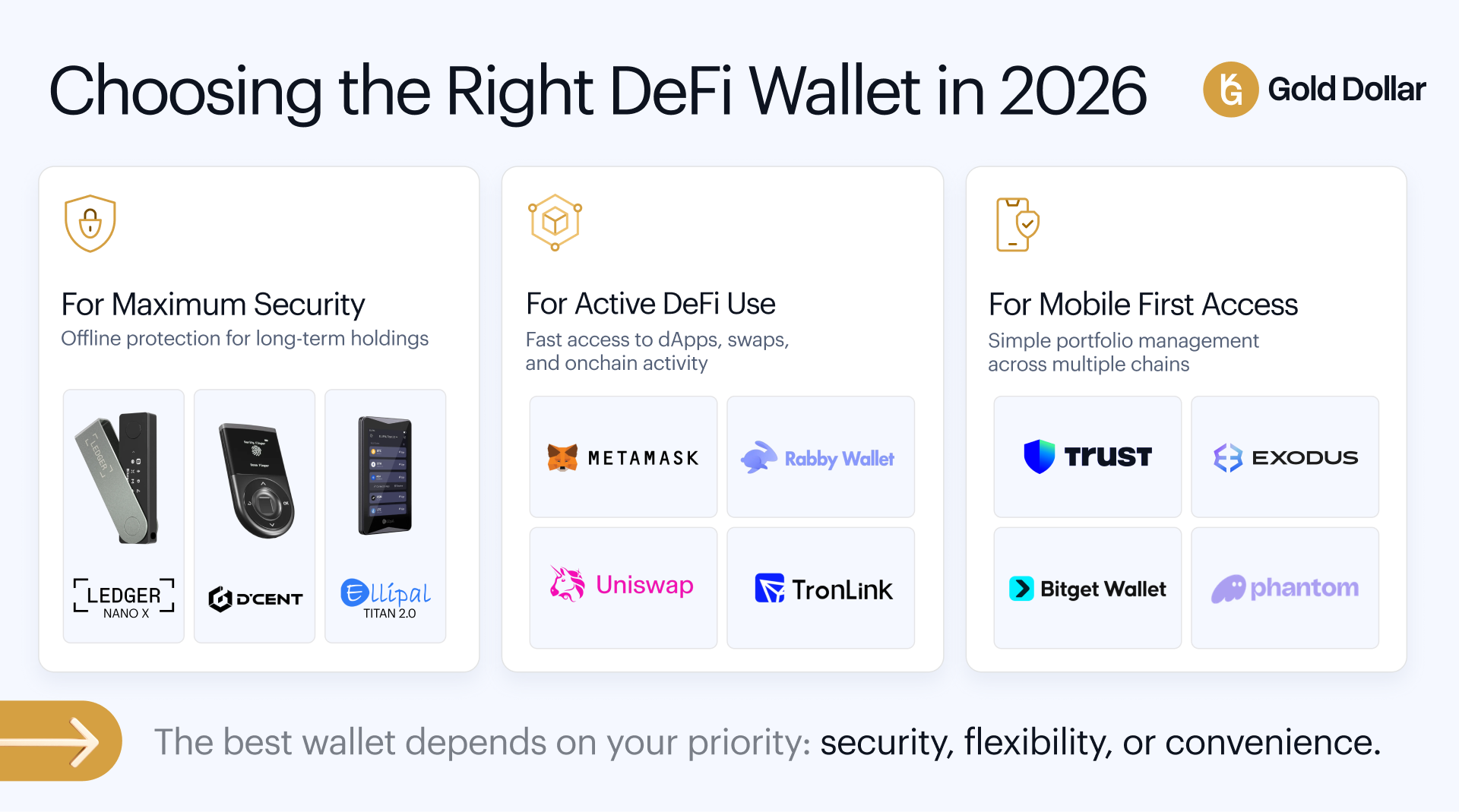
Choosing the right DeFi wallet in 2026 requires balancing security, functionality, and ease of use across an increasingly complex multi-chain landscape.
• Hardware wallets like Ledger Nano X and ELLIPAL Titan provide maximum security through offline storage of private keys, while software wallets offer convenience for frequent DeFi interactions.
• MetaMask and Rabby lead EVM compatibility with extensive dApp integration, transaction simulation, and multi-chain support, making them ideal for active DeFi users.
• Mobile-first solutions like Trust Wallet and Phantom excel in user experience with built-in swaps, staking rewards, and NFT storage across major blockchains.
• MPC cryptography in Bitget and OKX Wallets eliminates seed phrase management while maintaining self-custody, offering keyless security through distributed key shares.
• Specialized wallets serve specific ecosystems best - TronLink for TRON network, Phantom for Solana, and Uniswap Wallet for MEV-protected Ethereum trading.
The crypto wallet landscape has matured significantly, with over 820 million active wallets globally. Your choice should align with your primary use case: hardware crypto wallet options for long-term storage, feature-rich software wallets for DeFi activities, or ecosystem-specific options for specialized blockchain interactions. Always verify wallet authenticity, enable available security features, and never share your recovery methods.
The number of unique, active cryptocurrency wallets surpassed 820 million in 2025. This reflects unprecedented growth in the crypto market. Finding the best crypto wallets has become critical for securing your digital assets with this expansion. Cryptocurrency wallets protect your holdings from online threats and theft, yet adoption has increased by a lot over the last several years. We tested over 50 decentralized crypto wallets and identified the top 13 options for 2026. This piece gets into each wallet's security features, user interface, asset support and pricing. You can choose the most secure crypto wallet for your needs.
What Is a Decentralized Wallet and How to Choose the Best One
Understanding Decentralized Wallets
A decentralized wallet gives you complete control over your digital assets through management of private keys and seed phrases. These self-custody wallets operate on blockchain technology and allow you to store, send and receive cryptocurrencies without relying on intermediaries. You generate private and public key pairs along with a 12 to 24-word seed phrase that serves as your recovery method at the time you create a decentralized wallet. Each wallet address corresponds to your public key, allowing others to send you funds while your private key remains secure.
Hot Wallet vs Cold Wallet
Hot defi wallets are software applications connected to the internet and offer convenient access through mobile devices, desktop computers or web browsers. These wallets excel in accessibility to make frequent transactions but remain vulnerable to online threats. Cold defi wallets store private keys in offline storage completely as hardware devices that resemble USB drives. Cold wallets provide superior security by keeping credentials away from internet-connected devices, but they require physical connection to complete each transaction.
Custodial vs Non-Custodial Wallets
The biggest difference between crypto wallets comes down to who controls the private keys. A third party like an exchange manages your private keys with custodial wallets and offers convenience and password recovery but reduces your autonomy. Non-custodial wallets give you sole control of your private keys and eliminate third-party risks. Losing your seed phrases means losing access for good, and you must manage these credentials with care through proper seed phrase storage.
Key Features to Decide for the Best Crypto Wallet
Prioritize crypto wallet security features including two-factor authentication, multi-signature security support and private key encryption at the time you select the best DeFi wallet. Verify the wallet supports your target blockchains and tokens through network compatibility. A user-friendly wallet interface reduces errors, especially when you have little experience. Backup options through seed phrases remain critical. Compatibility with decentralized applications determines your access to DeFi protocols, token swapping, and staking rewards.
Security Measures and Best Practices
Your passwords should be at least 16 characters, very complex and unique for your accounts. Enable two-factor authentication using hardware security keys like YubiKey or authenticator apps rather than SMS-based methods vulnerable to SIM-swap attacks. For enhanced protection, consider three-factor authentication when available. Never share your seed phrase with anyone and store it offline in a secure physical location using tamper-proof methods. Keep wallet software updated to patch security vulnerabilities. Verify URLs before you enter credentials to avoid phishing sites. Think over using separate wallets for different purposes: cold storage to hold long-term and hot wallets with smaller amounts to trade actively. These security tips form the foundation of effective crypto portfolio management.
Ledger Nano X
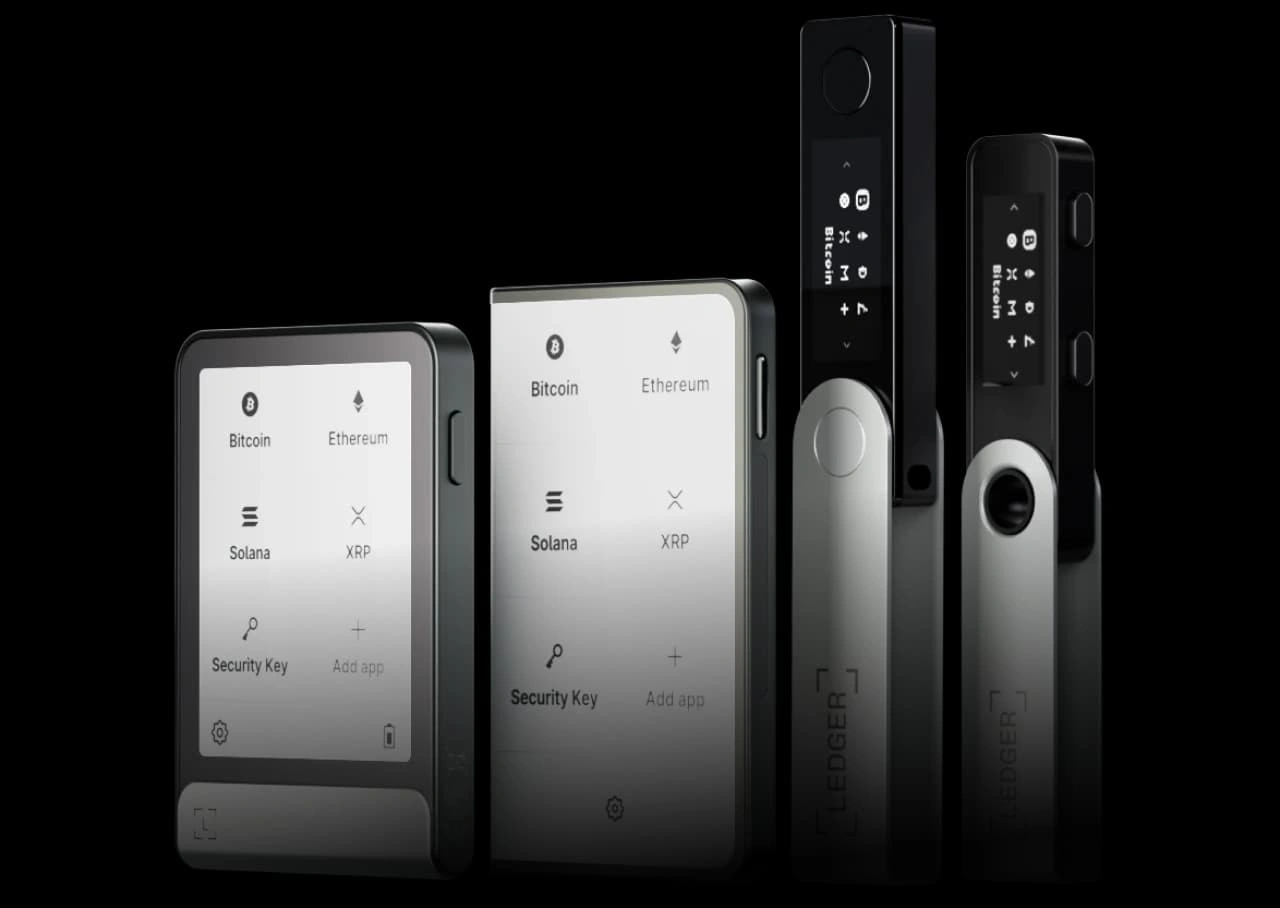
Image Source: Ledger - Ledger Wallet
What It Is
Ledger Nano X is a Bluetooth-enabled hardware crypto wallet that stores private keys offline within a CC EAL5+ certified Secure Element chip. The device pairs with the Ledger Wallet app (formerly Ledger Live) to enable mobile-first crypto management without constant laptop connection. Software wallets allow transaction approvals in a browser tab, but the Nano X forces approvals on the device itself. This creates a boundary between internet-connected phones and sensitive credentials.
Key Features
The device measures 72mm x 18.6mm x 11.75mm and weighs 34g. It features a 128x64 pixel OLED display and two physical buttons for navigation. A 100mAh internal battery provides several hours of active use and weeks on standby. The wallet supports up to 100 apps installed at once across thousands of cryptocurrencies, including Bitcoin, Ethereum, Solana and ERC-20 tokens. Clear Signing displays human-readable transaction details on the trusted screen and reduces blind signing risks. Bluetooth 5.0 connectivity uses end-to-end encryption without exposing private keys over wireless channels. The secure elements provide hardware wallet security that remains isolated from potential malware.
Pros and Cons
Pros: Mobile compatibility with iOS and Android devices, integrated staking for assets like DOT and SOL, support for more coins than most hardware wallets, and compact portability.
Cons: Non-replaceable battery with a five-year lifespan, closed-source firmware preventing code verification, and reliance on Ledger Wallet app for most asset management.
Pricing
The Ledger Nano X retails at $119-$149 depending on region and retailer. Bundle discounts are accessible to more people for multiple device purchases. Purchase from official sources only to avoid tampered devices.
Best For
This top hardware wallet suits mobile-first users, iPhone owners requiring Bluetooth connectivity, travelers, and those managing assets rather than storing them long-term. It fits poorly for users preferring cable-only workflows or open-source hardware stacks.
MetaMask

Image Source: MetaMask
What It Is
MetaMask originated as a ConsenSys project in 2016, built for the Ethereum network. The wallet functions as a browser extension for Chrome, Firefox, Brave and Edge, among other platforms like iOS and Android mobile apps. MetaMask operates as a self-custodial software crypto wallet where private keys are generated on internet-connected devices. The wallet uses a 12-word Secret Recovery Phrase that becomes the root for every account you create.
Key Features
MetaMask supports all ERC-20 tokens and NFTs following ERC-721 and ERC-1155 standards in a variety of Ethereum-compatible networks like Polygon, BNB Smart Chain and Optimism. Native support for Solana and Bitcoin was added in July and December 2025. The Snaps marketplace extends functionality through modular extensions that add new blockchain support and security tools without bloating the core wallet.
The built-in swap aggregator sources liquidity from multiple decentralized exchanges and offers a 99.995% transaction success rate. MetaMask Portfolio dashboard combines holdings across chains and provides access to staking tools for yield farming opportunities. MetaMask Card also enables crypto spending at over 150 million Mastercard merchants worldwide. Virtual cards activate instantly while Metal cards ship to verified addresses.
Pros and Cons
Pros: Easy-to-use interface, extensive dApp compatibility, boosted token detection, hardware wallet integration with Ledger and Trezor, adjustable gas fees.
Cons: No two-factor authentication support, 0.875% swap fee on top of network costs, token detection fails occasionally.
Pricing
MetaMask remains free to download and use. Swaps carry a 0.875% service fee. Staking through validator services incurs a 10% fee on generated rewards. MetaMask Card offers two tiers: a free virtual card and a Metal card at $199 annually.
Best For
MetaMask suits heavy DeFi users, NFT traders and anyone interacting with decentralized applications frequently. The wallet fits poorly for complete beginners or users who prioritize the lowest swap fees.
Exodus Wallet
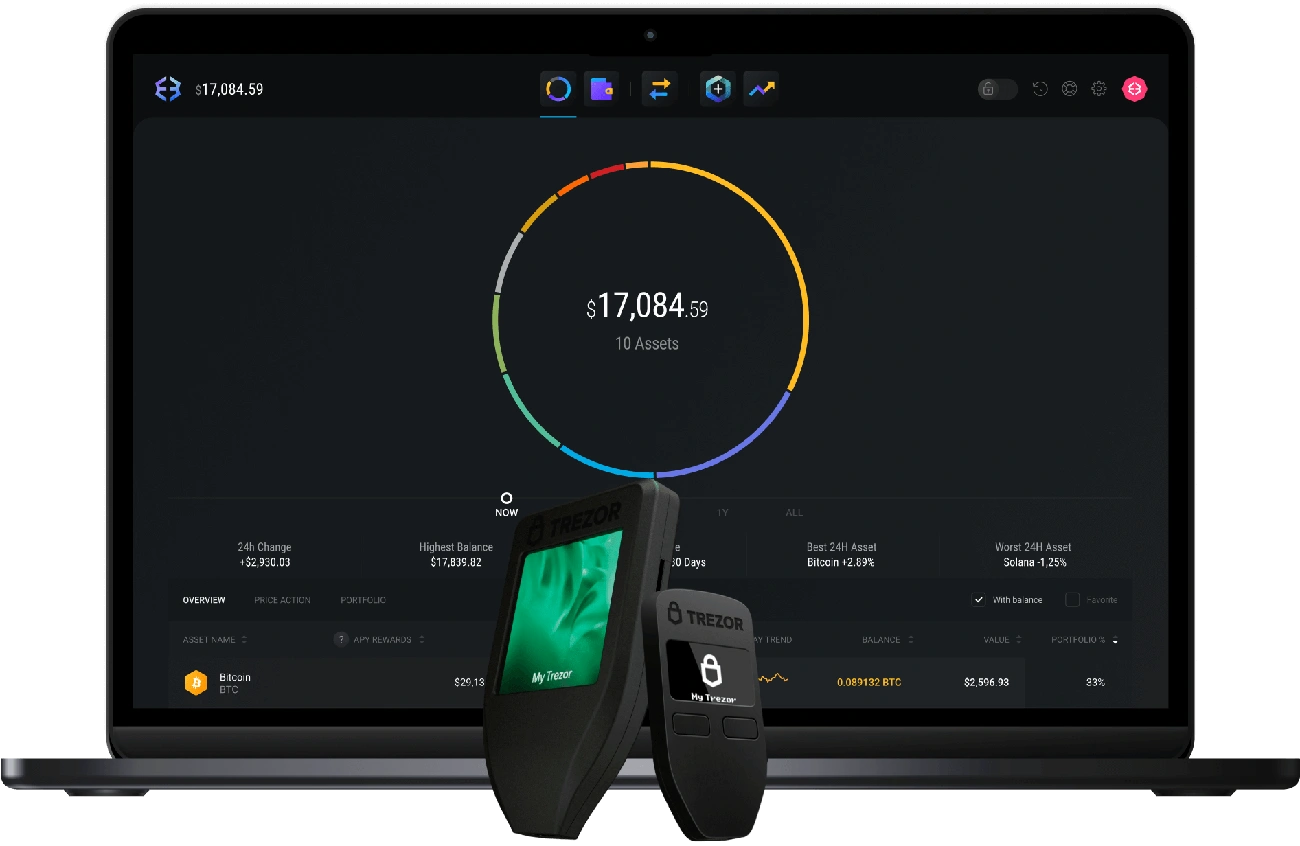
Image Source: Exodus Wallet
What It Is
JP Richardson and Daniel Castagnoli launched Exodus in 2015. The wallet focuses on delivering a polished user experience on desktop, mobile and browser extension platforms. Exodus operates as a self-custody solution. You control the recovery phrase and private keys rather than handing them to an exchange. The wallet runs on Windows, Mac, Linux, iOS and Android, with a Web3 browser extension for Chrome and Brave. Your 12-word recovery phrase serves as the wallet itself. The app functions only as an interface.
Key Features
Exodus supports over 260 cryptocurrencies on 50+ blockchain networks. Bitcoin, Ethereum, Solana, Cardano and all ERC-20 tokens are supported. The wallet advertises support for over one million assets through its multi-chain architecture. Built-in swaps let you exchange assets without separate registration and route through third-party providers. Staking is available within the wallet for proof-of-stake networks like Ethereum, Solana and Cardano, offering competitive staking rewards. Rewards vary by chain and validator performance. NFT support has storage and a marketplace powered by Magic Eden on Solana. Exodus integrates with Trezor and Ledger hardware wallets. You can sign transactions on dedicated hardware while maintaining the familiar interface for seamless crypto portfolio management.
Pros and Cons
Pros: Accessible interface praised in reviews, broad multi-chain portfolio management, hardware wallet compatibility, no KYC requirements for core functions, 24/7 customer support.
Cons: No native two-factor authentication, swap spreads higher than centralized exchanges, illiquid token swaps can carry major slippage.
Pricing
Exodus is free to download, receive and store crypto. Network fees apply when transferring assets. Miners or validators receive these fees. Built-in swaps have provider spreads embedded in quotes that vary based on token liquidity.
Best For
Exodus suits users valuing clean interfaces, multi-chain coverage and integrated swaps with staking. Frequent traders seeking lowest-cost execution will find it a poor fit. Centralized exchanges offer tighter spreads.
Trust Wallet
Image Source: Trust Wallet
What It Is
Viktor Radchenko founded Trust Wallet in 2017 as a mobile cryptocurrency wallet before Binance acquired it in 2018. The wallet later became an independent entity and now serves over 200 million users worldwide. Trust Wallet operates as a non-custodial defi crypto wallet and stores private keys on your device through AES encryption rather than on centralized servers. The wallet supports 10 million crypto assets and 600 million NFTs on 100+ blockchains.
Key Features
Trust Wallet supports major networks like Bitcoin, Ethereum, Binance Smart Chain, Solana, Polygon and Avalanche. The built-in Security Scanner monitors transactions and warns you about potentially malicious addresses and smart contracts before signing. FlexGas allows you to pay network fees using TWT, USDT or USDC on supported networks instead of holding native tokens.
The integrated DEX aggregator routes swaps across multiple exchanges to reduce slippage and gas fees. You can stake 20+ proof-of-stake assets like BNB, ETH, ADA and SOL, with APYs ranging from 3% to 8%. The dApp browser provides direct access to DeFi platforms, NFT marketplaces with nft storage capabilities, and Web3 applications. Fiat on-ramps through MoonPay and Ramp support purchases via Apple Pay, Google Pay and credit cards.
Pros and Cons
Pros: Extensive blockchain compatibility, intuitive mobile interface, decentralized asset control, built-in staking and swap features, no wallet subscription fees.
Cons: No two-factor authentication, limited customer support with slow response times, mobile-centric design with weaker desktop functionality.
Pricing
Trust Wallet is free to download and use. You pay only network gas fees that go to blockchain validators. Third-party swap services charge 1-5% fees. Fiat purchase providers set their own rates.
Best For
Trust Wallet suits mobile-first users, active DeFi participants and multi-chain portfolio managers. It fits poorly for users requiring two-factor authentication or those holding large long-term balances better secured in cold storage.
Rabby Wallet
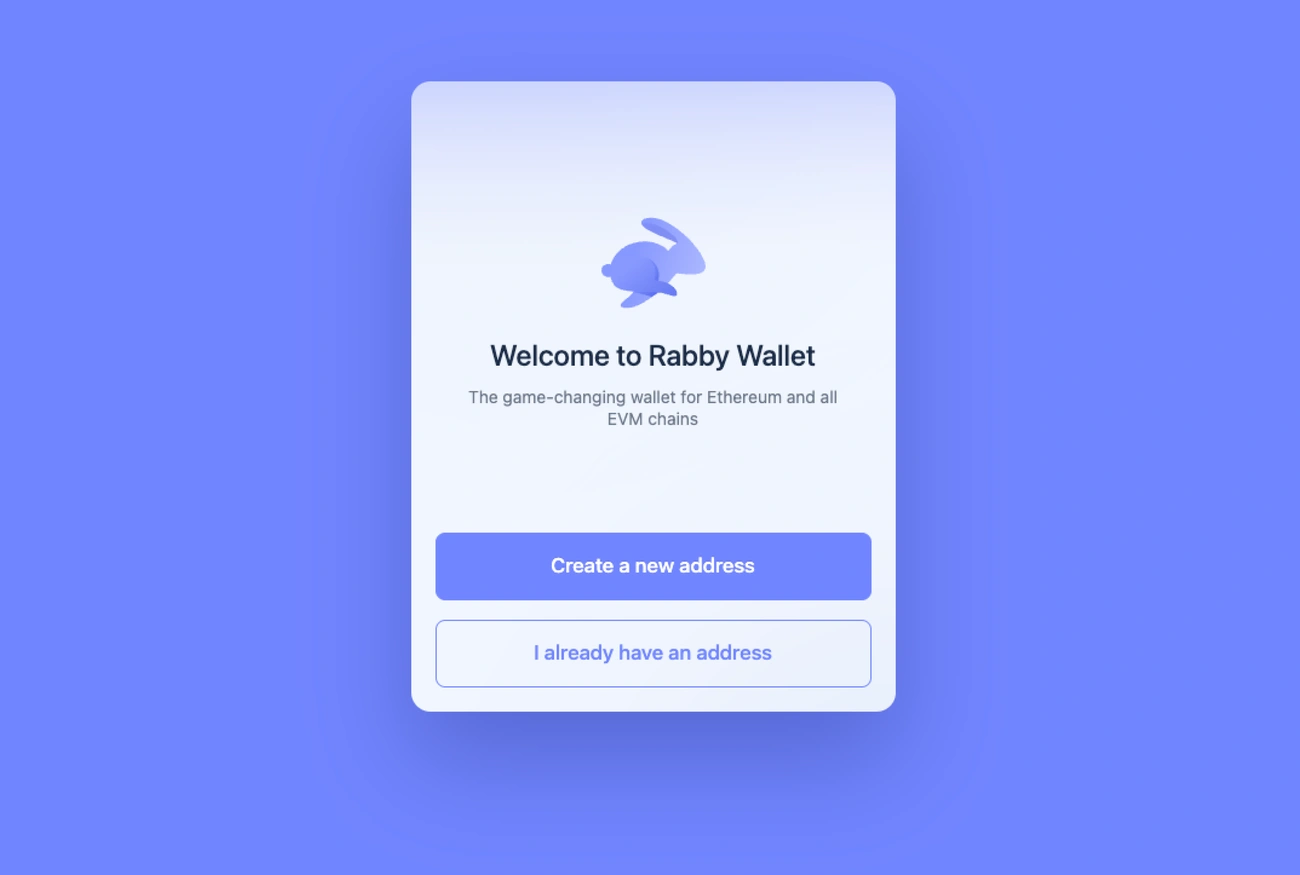
Image Source: Rabby Wallet Official Guides
What It Is
DeBank developed Rabby Wallet for Ethereum and EVM-compatible chains. The wallet prioritizes transaction safety through simulation rather than blind signing. This non-custodial browser wallet supports over 100 EVM networks and operates as an extension for Chrome, Brave and Edge, with mobile apps for iOS and Android. Rabby positions itself as an execution wallet for DeFi, where users review risks and complete transactions while keeping long-term holdings on hardware devices.
Key Features
Transaction simulation runs before every signature and displays expected asset changes. It detects malicious behavior like infinite approvals or token swaps routing to look-alike contracts. Risk scanning catches suspicious patterns, especially when you have approvals requesting broad spending rights. The wallet recognizes and switches to the correct network for dApps without manual intervention. This eliminates chain-flipping errors.
Rabby supports 141 chains and over 10,000 cryptocurrencies, with compatibility mode that allows connections where only MetaMask appears as an option. Hardware wallet integration has Ledger, Trezor, Keystone and OneKey. Gas Account lets you pay network fees using USDT or USDC instead of holding native tokens. The open-source codebase went through audits by Least Authority, with over 400,000 Chrome Web Store users trusting this safest crypto wallet option for EVM chains.
Pros and Cons
Pros: Transaction clarity through simulation and balance previews, risk scanning for approvals, automatic chain handling, hardware wallet compatibility, open-source code with security audits.
Cons: EVM-focused design excludes native Cosmos, Solana and Bitcoin tooling; built-in swap carries 0.25% fee; simulation cannot prevent all social engineering attacks.
Pricing
Rabby charges no wallet fees for transfers. Swaps include a 0.25% service fee. Network gas fees go to blockchain validators directly.
Best For
Rabby suits DeFi users on multiple EVM chains, traders signing frequent approvals and swaps, and those pairing browser wallets with hardware signers. It fits poorly for users rarely touching DeFi or wanting single-wallet coverage for non-EVM ecosystems.
Bitget Wallet
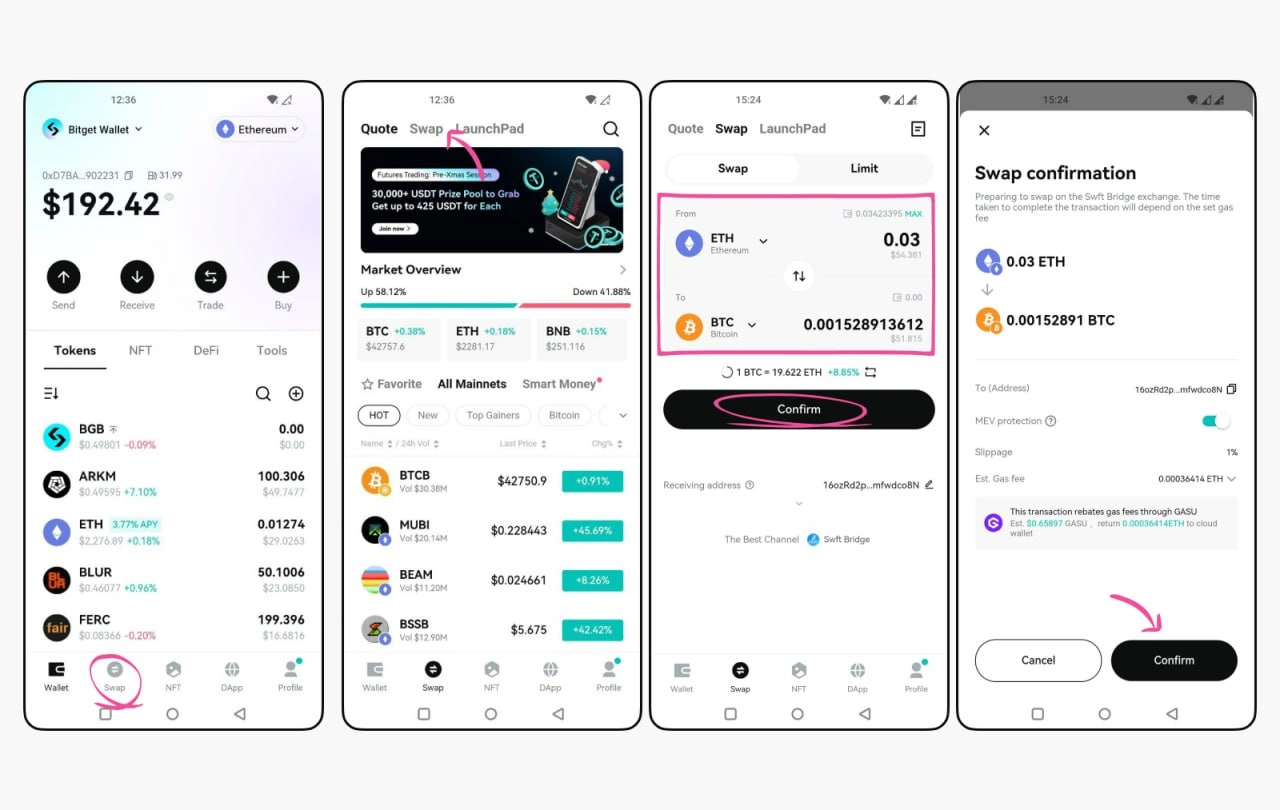
Image Source: Bitget Wallet
What It Is
Kevin Como and Yan Yun launched this multi-chain wallet as BitKeep in 2018. The platform went through major transformation after Bitget Exchange acquired a controlling stake in March 2023 for $30 million and rebranded it as Bitget Wallet. This non-custodial solution now serves over 12 million users across 168 countries. It supports 130+ blockchain networks and over 250,000 tokens. Bitget Wallet surpassed MetaMask with 1.6 million mobile downloads in July 2024 and became the most downloaded crypto wallet that year.
Key Features
The wallet implements MPC (Multi-Party Computation) technology that eliminates single-point private key exposure through mpc cryptography. It distributes key shares across multiple devices, providing keyless security without traditional seed phrase requirements. Transaction simulation previews outcomes before confirmation, and up-to-the-minute threat intelligence warns against malicious contracts. The built-in swap aggregator routes trades across 100+ decentralized exchanges and compares rates to identify optimal execution paths. GetGas lets you pay transaction fees using stablecoins instead of native tokens on supported chains.
Bitget Wallet Card lets you spend crypto at 150 million Mastercard merchants worldwide, with a 0.9% transaction fee per purchase. Stablecoin yields reach approximately 10% APY through the Earn Plus feature. The platform maintains a $300 million protection fund that covers platform-origin incidents and conducts regular audits by CertiK and SlowMist.
Pros and Cons
Pros: Extensive 130+ blockchain support, MPC-based keyless recovery, cross-chain bridge functions, flexible gas payments, integrated payment cards, 20+ language customer support.
Cons: Complex interface for newcomers, regional restrictions on card availability, customer support delays during high-volume periods.
Pricing
Wallet setup costs nothing. Maker fees run 0.014% while taker fees hit 0.042% for futures trading. Crypto deposits remain free, and fiat deposits vary by payment method.
Best For
Bitget Wallet suits active traders across multiple chains, users requiring payment card integration, and those valuing institutional-grade security infrastructure with protection funds.
TronLink Wallet
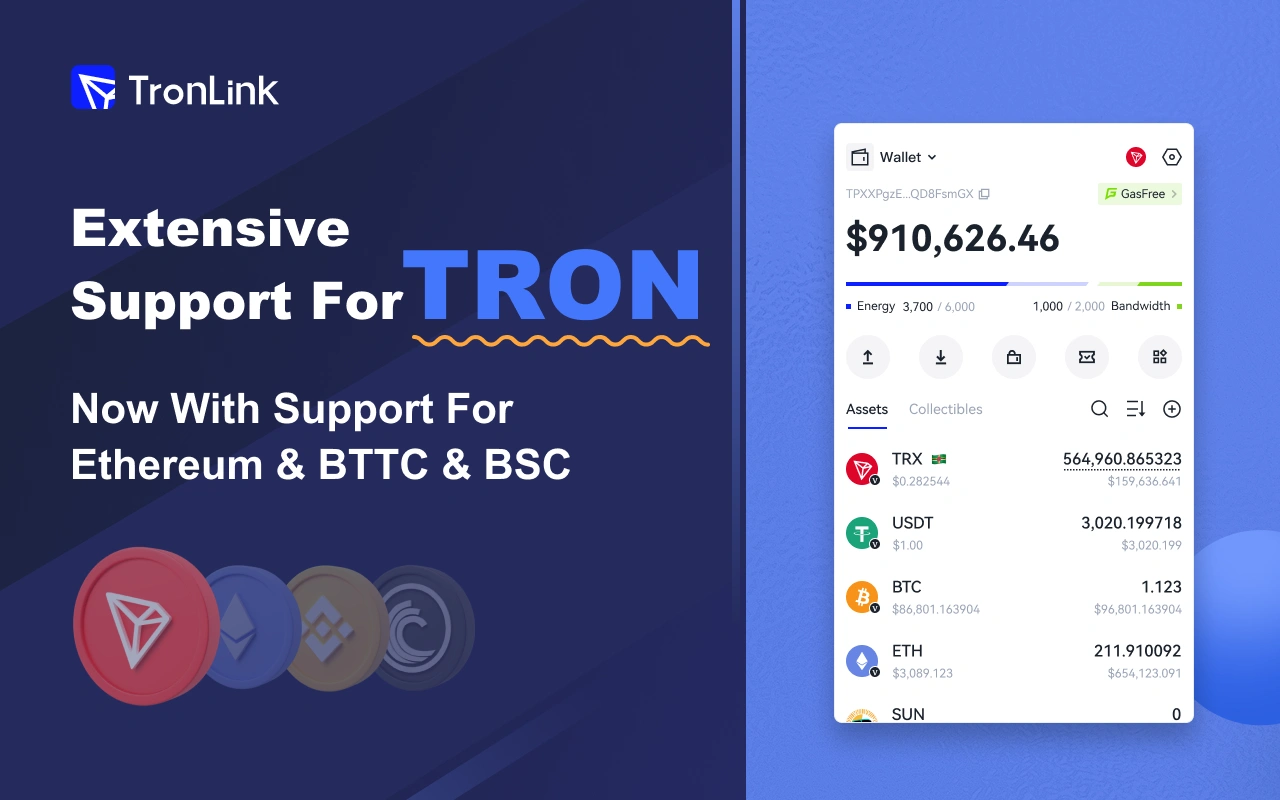
Image Source: Chrome Web Store - Google
What It Is
The Tron Foundation created TronLink for the TRON blockchain and established it as the official wallet trusted by over 10 million users around the world. This non-custodial solution stores private keys on your device through dual encryption. TronLink operates through browser extensions for Chrome, mobile apps for iOS and Android, and desktop applications. The wallet serves as your gateway to the Tron ecosystem. It manages TRX and enables direct interaction with Tron-based decentralized applications.
Key Features
TronLink supports TRX, TRC-10, TRC-20, and TRC-721 tokens with full coverage of the Tron network. The wallet extends functionality to EVM networks like Ethereum, BSC, and BTTC. You can stake TRX to get bandwidth and energy resources. This eliminates gas fees and earns you voting rights. Super Representative voting generates passive income through network governance participation. Multi-signature functionality requires multiple approvals for transactions and adds protection for shared funds. Biometric authentication and two-factor verification secure mobile access. Ledger and Trezor hardware wallets integrate with TronLink to provide offline key storage. The built-in sun.io exchange lets you swap tokens without external platforms.
Pros and Cons
Pros: Official Tron network wallet with deep ecosystem integration, dual-encrypted private key storage, multi-platform support for all devices, hardware wallet compatibility, free bandwidth allocation that reduces transaction costs.
Cons: Limited support for non-EVM blockchains, energy and bandwidth system creates complexity for newcomers, heavy targeting by attackers through fake extensions.
Pricing
The simple version remains free with no subscription fees. Network commissions are paid in TRX based on transaction complexity. TronLink Pro costs $3.99 monthly and offers priority technical support, multi-address management tools, and early feature access.
Best For
TronLink suits Tron-native users who manage TRC-20 USDT transfers, participate in Tron DeFi protocols, stake TRX, and vote in network governance. It fits poorly for users who need extensive multi-chain support beyond EVM networks.
D'CENT Wallet
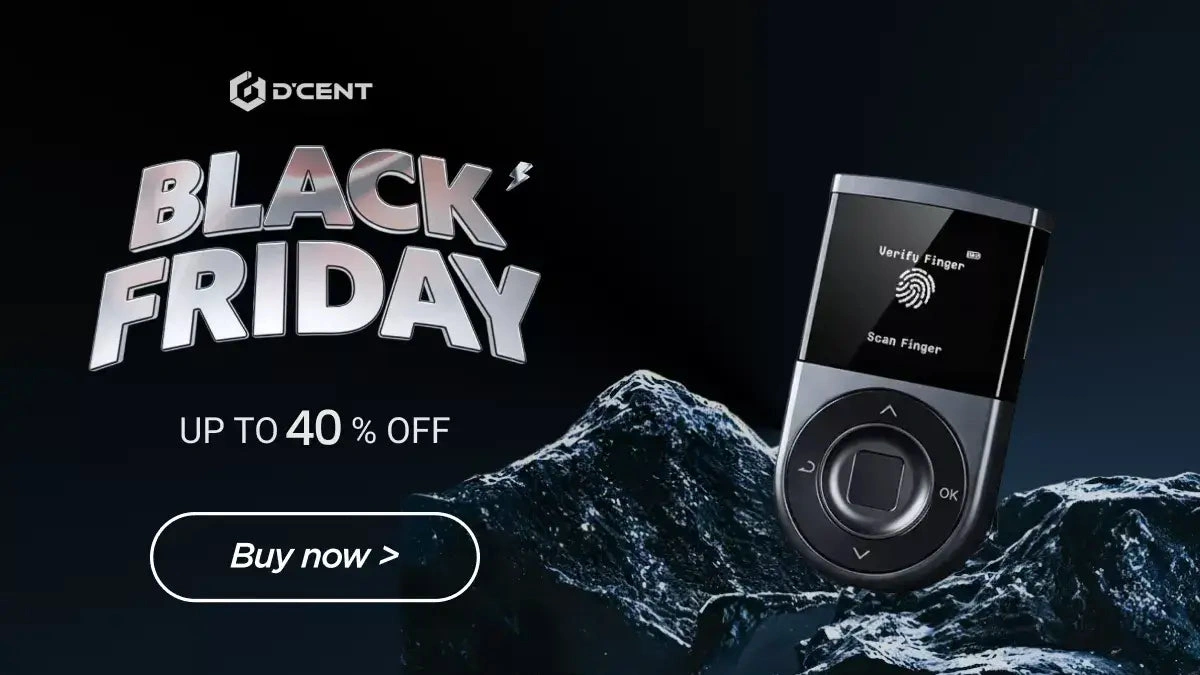
Image Source: D'CENT Shop | Biometric Cold Wallet for Bitcoin, Ethereum ...
What It Is
IoTrust, based in South Korea, introduced D'CENT in 2018 as the first biometric-secured hardware wallet. The built-in fingerprint sensor eliminates PIN entry for transaction approvals and addresses authentication complexity that beginners often face. D'CENT offers two models: the Biometric Wallet with OLED display and battery, and the Card Wallet using NFC tap-to-sign functionality. Both versions store private keys offline within a CC EAL5+ certified secure chip.
Key Features
D'CENT supports 4,800+ cryptocurrencies on blockchains of all types, including Bitcoin, Ethereum, Solana and XRP. Blockaid integration provides live scam detection and analyzes transactions before signing to flag malicious smart contracts and suspicious approval requests. The 128x128 OLED display verifies transaction details. Bluetooth 4.1 and USB-C provide dual connectivity options. The 530 mAh battery charges in 30 minutes. Device language support has English, Korean, Chinese and Japanese. The wallet generates a 24-word recovery phrase with an optional user-defined 25th word for additional security. For enhanced protection, users can create a metal backup of their recovery phrase.
Pros and Cons
Pros: Fingerprint authentication for fast signing, Blockaid scam detection, zero reported hack incidents, multi-platform compatibility, manual custom token addition.
Cons: No desktop application, limited native dApp integration that requires WalletConnect, fingerprint sensor requires multiple attempts according to users' feedback.
Pricing
The D'CENT Biometric Wallet costs $139. The Card Wallet retails at $38. Two-pack Biometric bundles offer 25% savings at $239.
Best For
D'CENT suits beginners concerned about authentication security, mobile-first users, and those requiring Blockaid's transaction safety layer on multiple blockchains.
ELLIPAL Titan 2.0
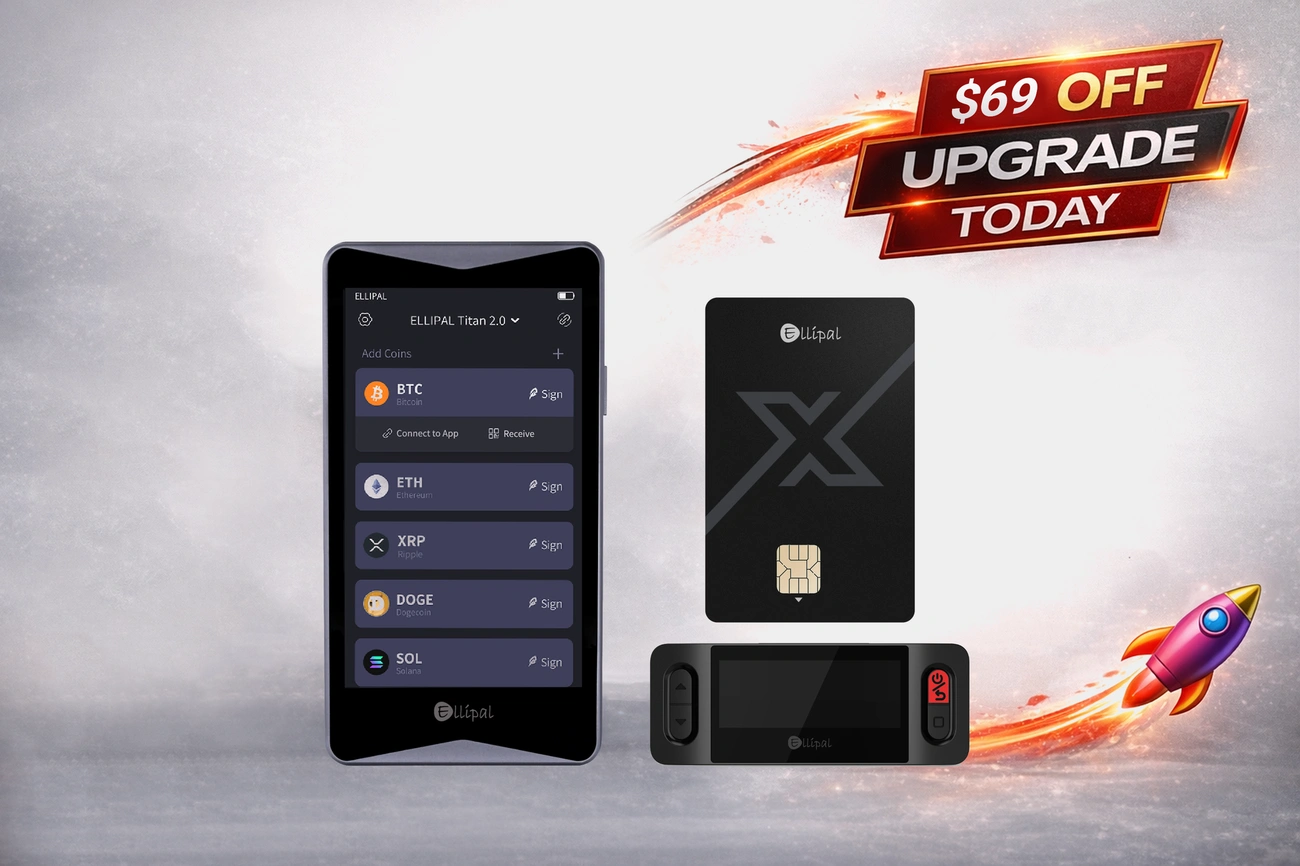
Image Source: ELLIPAL
What It Is
ELLIPAL Titan 2.0 represents a different security philosophy: complete air-gapped isolation. Tong Chen and David Tian founded the company in 2018. The device eliminates USB, Bluetooth, WiFi and all network connections. Transaction signing happens through QR codes scanned between the hardware device and mobile app. The phone handles portfolio display and transaction creation. The Titan signs offline.
Key Features
A 4-inch IPS touchscreen displays transaction details to verify before signing. The CC EAL5+ secure element stores private keys within a fully metal-sealed aluminum alloy body. Anti-tamper sensors trigger automatic data deletion if physical breach attempts occur, making this a tamper-proof solution. The wallet supports 40+ blockchains, 10,000+ tokens and NFTs on Ethereum and Polygon. Firmware updates install via MicroSD card and maintain the air gap during maintenance. WalletConnect and MetaMask integration enables dApp access. Keys stay offline.
Pros and Cons
Pros: Zero remote attack surface through complete offline operation, large screen for clear transaction verification, tamper-resistant metal construction and broad multi-chain support.
Cons: QR workflows slower than USB-based signing, heavier at 140g compared to compact hardware wallets and mobile-dependent with no desktop app.
Pricing
ELLIPAL Titan 2.0 costs $219. Bundle options include Titan 2.0 with X Card or Steel backup plate.
Best For
This wallet suits users who prioritize air-gapped security over transaction speed. It works well if you manage substantial holdings that require clear on-device verification and feel comfortable with QR-based workflows.
OKX Wallet
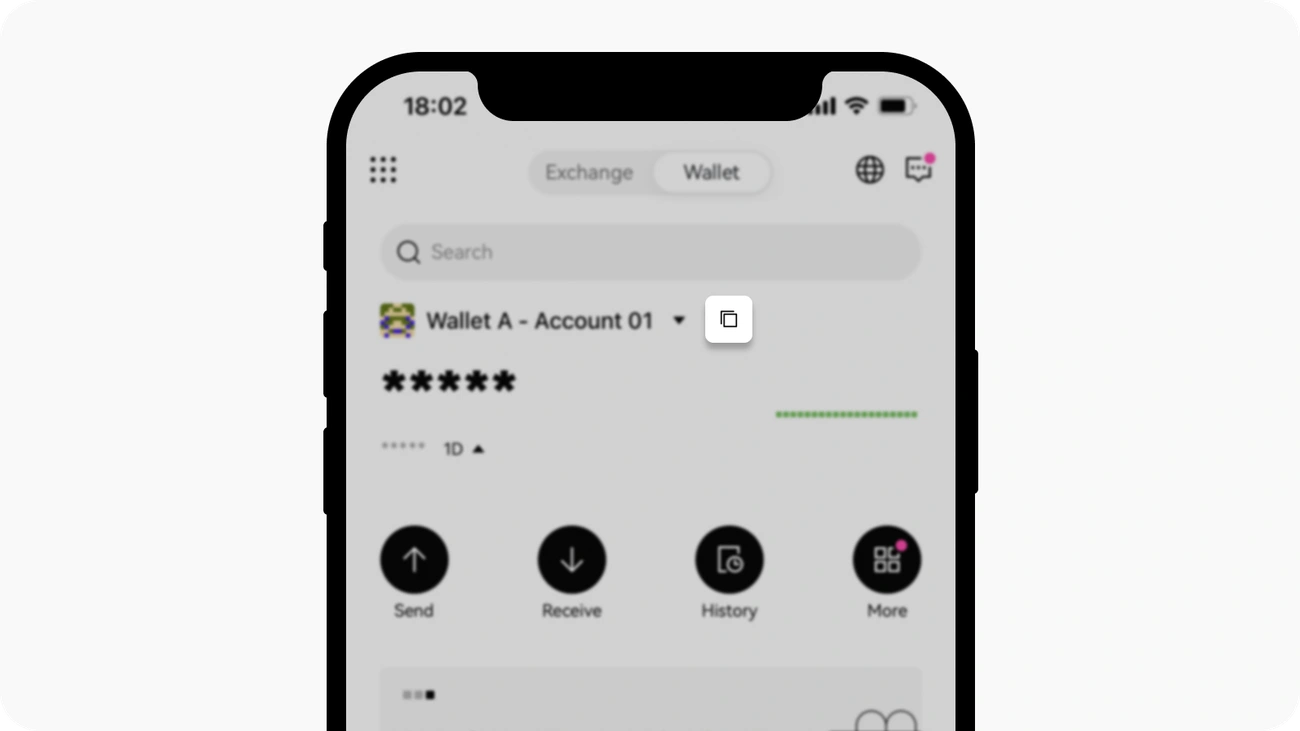
Image Source: OKX Wallet
What It Is
OKX launched this self-custody Web3 wallet in 2022 as a standalone product separate from its centralized exchange. The non-custodial design stores private keys encrypted on your device, meaning OKX cannot access, freeze, or restrict your funds. The wallet serves over 12 million users in a variety of platforms as a mobile app for iOS and Android, browser extension for Chrome and Firefox, and web application.
Key Features
OKX Wallet supports 130+ blockchains like Ethereum, Bitcoin, Solana, BNB Chain, Polygon, and Avalanche. The native dApp browser provides access to DeFi platforms, NFT marketplaces, and Web3 games within the interface. Swap aggregators pull liquidity from 100+ decentralized exchanges, while staking functions enable passive income across networks of all types. Portfolio tracking unites balances and transaction history across all connected chains with up-to-the-minute data.
The wallet offers optional MPC (Multi-Party Computation) technology that splits private keys into three shares distributed between the exchange, user device, and cloud. Two shares are required to sign transactions. Security infrastructure has open-source code audited by SlowMist and CertiK, with private keys encrypted and stored on your device. Eligible users receive insurance coverage against certain cyber threats.
Pros and Cons
Pros: Supports 130+ blockchains in one interface, MPC keyless recovery option, integrated DeFi aggregator, 24/7 live customer support, ratings above 4.6/5.
Cons: Feature-rich interface intimidates beginners, no native fiat support, customer support response times vary during high-volume periods.
Pricing
The wallet costs nothing to download or use. Network fees for withdrawals vary by cryptocurrency and selected network, such as 1 USDT or 0.0004 ETH. OKX charges no additional markup on outgoing transactions.
Best For
OKX Wallet suits active DeFi users managing assets across multiple chains, traders requiring swap aggregators, and those valuing institutional-grade security with third-party audits and insurance coverage.
Uniswap Wallet
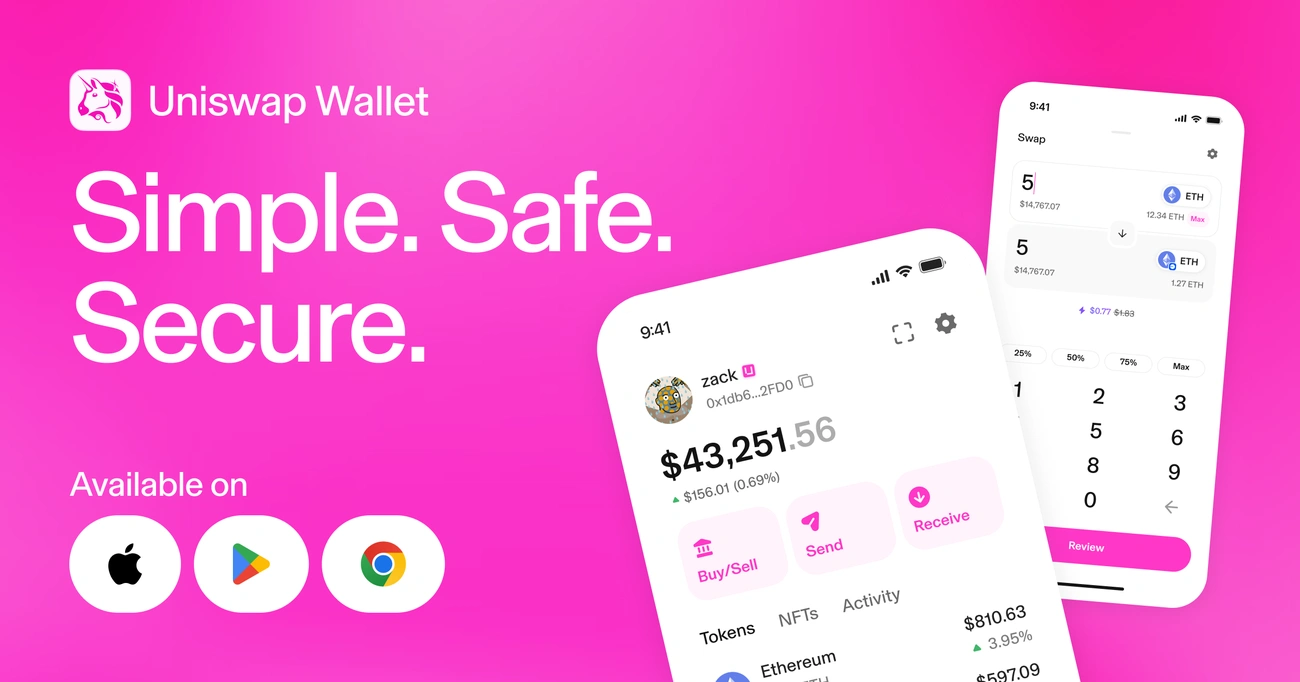
Image Source: Uniswap
What It Is
Uniswap Labs released this self-custody mobile wallet in 2023 as the safest and simplest way to guide users through Web3. The wallet works on iOS, Android, and Chrome and prioritizes user control where you alone hold the keys to your funds. Uniswap Labs cannot access your assets, approve transactions, or reset your password. iOS Keychain and Secure Enclave store private keys and seed phrases. Encryption keys sit in hardened hardware modules separate from the main processor.
Key Features
The wallet supports 16+ networks that include Ethereum, Polygon, Optimism, and Arbitrum. Built-in MEV protection stops frontrunning and sandwich attacks by default. Face ID or Touch ID handles transaction signing. Push notifications confirm completed swaps. Token search displays swap volume, market cap, and historical prices. NFT search reveals floor prices and collection details. WalletConnect makes simultaneous connections to multiple apps on different chains possible without switching networks. Spam filters hide unknown tokens, and yellow or red warning labels flag lesser-known assets. Optional iCloud backup encrypts your seed phrase before cloud storage.
Pros and Cons
Pros: Zero app fees, native swap interface with deep liquidity, smart wallet functionality that saves gas, transparent code audited by Trail of Bits, 4.8 rating across 62K+ reviews.
Cons: Mobile-centric design with limited desktop functionality. EVM-focused with fewer non-Ethereum chains.
Pricing
Uniswap Wallet charges no interface fees. Network gas fees go to validators.
Best For
This wallet suits frequent Uniswap traders, NFT collectors, and users who prioritize MEV protection with institutional-grade security audits.
Binance Wallet
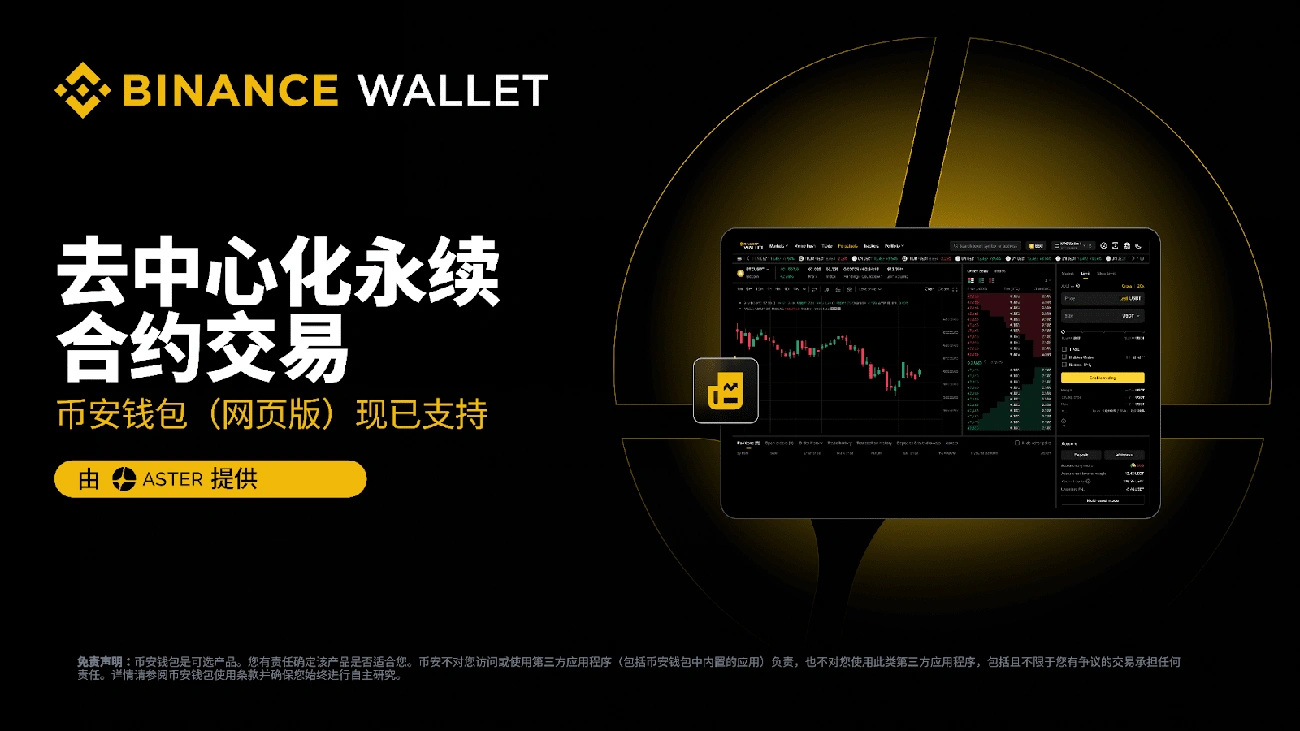
Image Source: Binance
What It Is
Binance integrated this non-custodial Web3 wallet into its mobile app in 2023. The integration bridges centralized exchange functionality with decentralized finance access. You need a Binance account to use the wallet, which separates it from the platform's built-in custodial exchange wallet. Multi-Party Computation (MPC) technology splits your private key into three parts: Binance holds one, your device stores another, and cloud storage backs up the third. This eliminates traditional seed phrase management.
Key Features
The wallet supports 34 blockchains and provides access to thousands of tokens. Binance Bridge DEX makes cross-chain swaps possible without leaving the ecosystem. The dApp marketplace connects you to decentralized exchanges and DeFi protocols. Staking functionality covers popular proof-of-stake tokens. MPC security allows wallet recovery through your device and cloud backup with a recovery password rather than seed phrases.
Pros and Cons
Pros: Smooth integration with Binance exchange balances, 34 blockchain support, MPC-based keyless setup, built-in swap and bridge tools.
Cons: Requires Binance account access, user interface complexity due to bundled features, not open-source, regional product availability varies, customer service knowledge gaps[662].
Pricing
Wallet creation costs nothing. Binance exchange trading starts at 0.1% for makers and takers. Binance Bridge fees range from 0.25% to 1% based on market conditions. Swap service fees run 0% to 0.5% depending on token group.
Best For
Binance Wallet suits existing exchange users wanting integrated DeFi access and active traders moving between centralized and decentralized platforms. Those preferring recovery helpers over manual seed phrase management will find it useful.
Phantom Wallet
Image Source: Phantom
What It Is
More than 20 million people have chosen Phantom as their dedicated wallet since launch. This self-custody hot wallet was built for Solana in 2021 and expanded to support Ethereum, Bitcoin, Polygon, Base, Sui, Monad, and HyperEVM. The browser extension works with Chrome, Brave, Firefox, and Edge, along with mobile apps for iOS and Android. Phantom generates unique 12-24 word recovery phrases during setup and gives you full control over private keys.
Key Features
Cross-Chain Swapper converts tokens between supported networks with low fees. PSOL liquid staking offers up to 7% APR while you retain asset accessibility. Transaction Previews detect malicious behavior before signing, with scam detection that flags suspicious approvals. Phantom scanned 85 million transactions and blocked over 18,000 wallet-draining attempts in 2023. Token Pages display trending assets and market cap. The wallet supports NFTs with visual galleries, burn tools, and instant sell features.
Pros and Cons
Pros: Supports Solana, Ethereum, Bitcoin, Polygon, Base, and Sui; innovative NFT experience; social usernames to enable peer-to-peer transfers; transparent fee disclosures.
Cons: Ledger integration missing on Firefox and mobile; customer support rated poorly; no BNB Smart Chain support.
Pricing
Phantom is free to download. Swaps carry 0.85% fees. Network gas fees apply per blockchain.
Best For
Phantom suits Solana users, NFT collectors, and multi-chain DeFi participants who want clean interfaces with built-in swaps.
USDKG Stablecoin: The Gold-Backed DeFi Solution
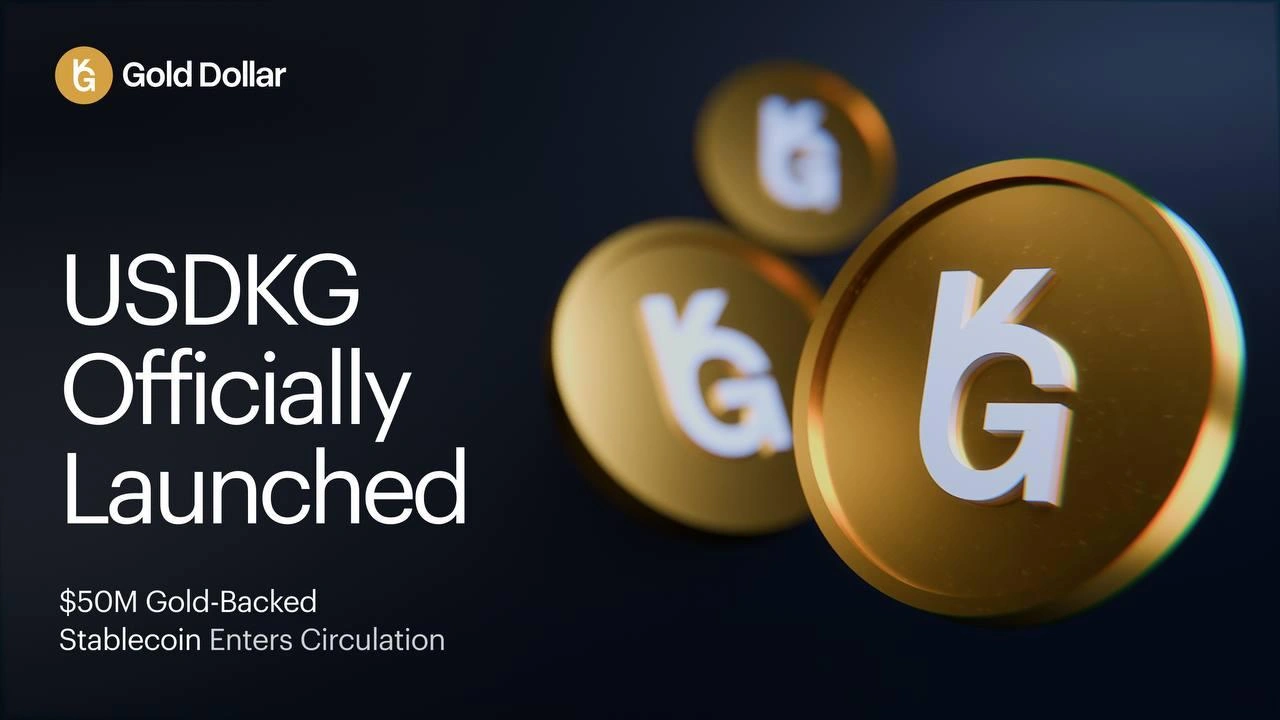
Image Source: USDKG
What Is USDKG
USDKG is a stablecoin pegged 1:1 to the U.S. dollar, with reserves backed by physical gold. The first issuance of 50 million tokens was registered on October 31, 2025, under Kyrgyz law. The stablecoin operates on Ethereum and Tron blockchains. This enables 24/7 settlement for cross-border transactions and trade.
How USDKG Is Different from CBDCs & other Stablecoins
OJSC Virtual Asset Issuer, a state-owned entity, issues USDKG while operational control is delegated to a private company. This separation positions USDKG outside CBDC classification. Fiat-backed stablecoins rely on cash reserves, but USDKG uses physical gold as its main collateral.
Governance and Operational Structure
Multi-signature controls separate operational authority from compliance functions. Mint and burn operations require defined quorum approval. Independent auditors verified that the issuer controls smart contract wallets for both Ethereum and Tron through direct on-chain verification.
Regulatory Compliance and AML/KYC Framework
USDKG complies with FATF KYC/AML standards. Redemption requests require identity verification. The stablecoin operates within the 2022 Law on Virtual Assets framework and establishes accountability and public oversight.
Gold Backing and Redemption Process
USDKG was backed by 30 gold bars totaling around 376 kilograms at issuance, valued at around USD 50.3 million. Kreston Global conducted independent audits that verified reserve existence, ownership and valuation. Token holders can redeem USDKG for physical gold, U.S. dollars or supported cryptocurrencies.
Compatible DeFi Wallets for USDKG
USDKG is accessible across a growing range of self-custodial wallets, giving users flexibility across different devices, security preferences, and blockchain environments. This allows holders to manage USDKG through both hardware and software wallets, depending on whether they prioritize offline protection, mobile convenience, or active DeFi access.
Compatible wallets currently include:
- Ledger Nano X — a hardware wallet designed for users who want offline private key storage and stronger protection for long-term holdings.
- Bitget Wallet — a multi-chain wallet with MPC-based security and broad support for active users managing assets across different networks.
- Exodus Wallet — a user-friendly multi-chain wallet suited for users who want a clean interface with integrated portfolio management.
- Trust Wallet — a mobile-first wallet with wide blockchain support, built-in swaps, and easy access to DeFi applications.
- MetaMask — one of the most widely used wallets for Ethereum and EVM-based DeFi activity, ideal for dApp connectivity and onchain transactions.
- TronLink Wallet — a strong option for users interacting with USDKG in the TRON ecosystem and managing TRC-20 assets.
- Rabby Wallet — an EVM-focused wallet built for DeFi users, known for transaction simulation and additional signing transparency.
Together, these integrations support broader access to USDKG across onchain finance, while giving users the ability to choose the wallet environment that best matches their security and usage needs.
FAQs
Q1. What is the difference between hot wallets and cold wallets for DeFi?
Hot wallets are software applications connected to the internet, offering convenient access through mobile devices, desktop computers, or web browsers. They excel in accessibility for frequent transactions but remain vulnerable to online threats. Cold wallets store private keys completely offline, typically as hardware devices resembling USB drives. While cold wallets provide superior security by keeping credentials away from internet-connected devices, they require physical connection for each transaction.
Q2. Should I choose a custodial or non-custodial DeFi wallet?
Non-custodial wallets give you sole control of your private keys, eliminating third-party risks and providing complete autonomy over your digital assets. With custodial wallets, a third party like an exchange manages your private keys, offering convenience and password recovery but reducing your control. The main tradeoff is that losing your seed phrases in a non-custodial wallet means losing access permanently, while custodial wallets allow account recovery through the service provider.
Q3. What security features should I look for in a DeFi wallet?
Prioritize wallets with two-factor authentication, multi-signature support, and private key encryption. Your passwords should be at least 16 characters, extremely complex and unique for your accounts. Enable two-factor authentication using hardware security keys like YubiKey or authenticator apps rather than SMS-based methods vulnerable to SIM-swap attacks. Never share your seed phrase with anyone, and store it offline in a secure physical location.
Q4. Can I use the same DeFi wallet across multiple blockchain networks?
Many modern DeFi wallets support multiple blockchain networks. For example, MetaMask supports Ethereum, Polygon, BNB Smart Chain, Optimism, Avalanche, Solana, and Bitcoin. Trust Wallet supports over 100 blockchains, while OKX Wallet and Bitget Wallet each support 130+ blockchains. However, some wallets like TronLink focus primarily on specific ecosystems, so verify blockchain compatibility before choosing a wallet.
Q5. Are hardware wallets worth the investment for DeFi users? Hardware wallets like Ledger Nano X ($119-$149), D'CENT Biometric Wallet ($139), and ELLIPAL Titan 2.0 ($219) provide superior security by storing private keys offline in dedicated secure chips. They're particularly valuable for users holding substantial long-term balances or managing large portfolios. For frequent traders and active DeFi participants who need constant access, a combination approach works best: hardware wallets for long-term storage and hot wallets with smaller amounts for daily transactions.
Related Articles

August 11, 2026
Stablecoins Are Reshaping Financial Infrastructure
Financial infrastructure rarely changes through a single technological breakthrough. It evolves through the gradual adoption of systems that improve the movement, settlement, and management of capital while integrating into existing financial processes.

July 14, 2026
The Stablecoin Market Is Entering Its Regulatory Era
Stablecoins are entering a new phase of development where regulatory clarity is becoming as important as liquidity and network effects. Around the world, jurisdictions are reshaping digital finance, making governance, transparency, and legal certainty increasingly central to long-term adoption.

June 30, 2026
Beyond Backing: What Tether’s aUSDT Closure Reveals About Commodity-Backed Digital Assets
The closure of Tether's aUSDT highlights a broader shift within the commodity-backed digital asset market. As adoption matures, utility, transparency, liquidity, and integration into financial infrastructure are becoming just as important as the assets held in reserve.